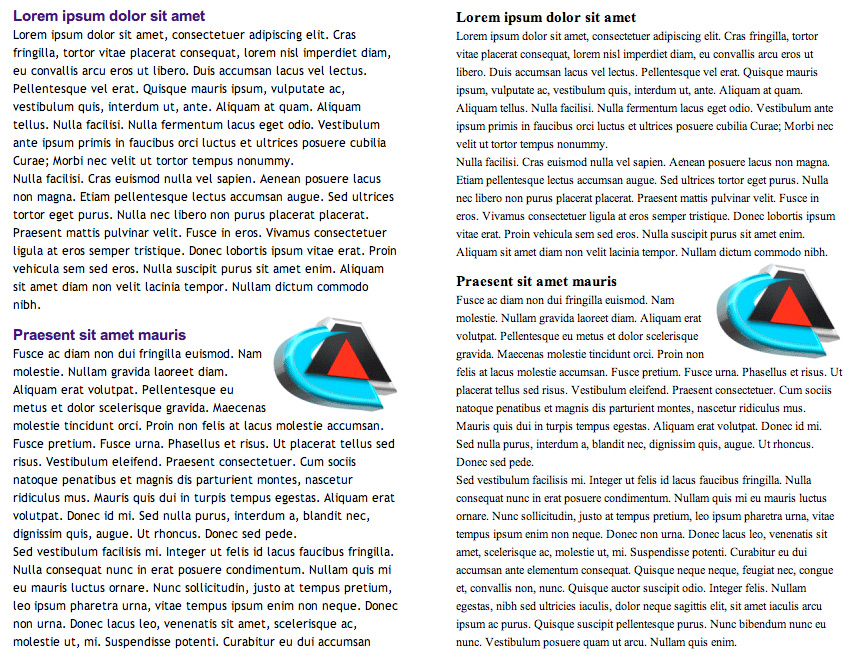
Imagine spending hours to create the perfect print ad for a new product launch. You have created the perfect visuals and bold headlines. Finally satisfied that everything is perfect, you submit all of the materials to the magazine and sit back to see how your ad performs. Now imagine getting a copy of this magazine and opening it to find your ad, but there´s no graphic and the headline text is the same size as the rest of the copy. The critical elements designed to convey your message have been lost in translation. After getting over the shock of seeing your mangled message, you´d be on the phone with your agency and magazine reps to understand how this happened and what could be done to prevent it in the future. Unfortunately, this scenario is being played out on a daily basis in the online world. The difference is that many people don´t know (or realize) that the e-mail broadcast that they so painstakingly created may not be received by the reader intact. The result is a loss of control in how the marketing message is presented, and confusion on the reader´s behalf, because an e-mail that doesn´t display properly may not make sense. What´s going on here? That all changed when Microsoft released Outlook 2007. Outlook now uses the HTML rendering engine that's a part of Microsoft Word instead of Internet Explorer for both displaying and sending e-mail. The result is that what displayed properly in Outlook 2000, Outlook 2003 and Internet Explorer may not display correctly in Outlook 2007 because of differences in how these two engines render or translate the code. As Outlook 2007 becomes more widely adopted, these problems are getting worse. When you also consider that other e-mail programs, including Google, Hotmail, AOL etc., all have different ways to render the same HTML code and rules for how they read Cascading Style Sheets, you have a real mess in terms of trying ensure consistency in how your marketing message is presented to readers. What can be done? As a marketing person, you need to carefully balance the advantages that the more complex layouts offer vs. the trade-off in potential problems with producing consistent results in all of the e-mail readers. Realize that until e-mail readers become more consistent, this will be an ongoing problem. |
||||||||||
Solution:
 | ||||||||||


Solution:
When using Cascading Style Sheets, use “inline styles” instead of stylesheets when coding your e-mail broadcasts. This approach will provide greater consistency in how your e-mail appears in many readers.
| *Sample of stylesheet ignored by some mail clients:
This is the body.
This is the body. |
Closing Thoughts
Getting your marketing message to display and perform correctly in all of the e-mail readers available today is a more daunting task than ever before. However, if you follow the suggestions outlined above and share them with your designers, developers and ad agencies as you create your e-mail broadcasts, we believe you will avoid a complete “loss in translation.”
If you have further questions or suggestions please feel free to contact me at [email protected] or call me directly at 520.751.6847.
Paul Davis
Director of Marketing